Guides
These guides show how to process spatial transcriptomics data with run_together, the recommended way to run CartLoader: one command per run that takes raw platform output to deployable CartoScope assets.
New to CartLoader? Start with Get Started. For every option of every command, see the Reference.
run_together Guides
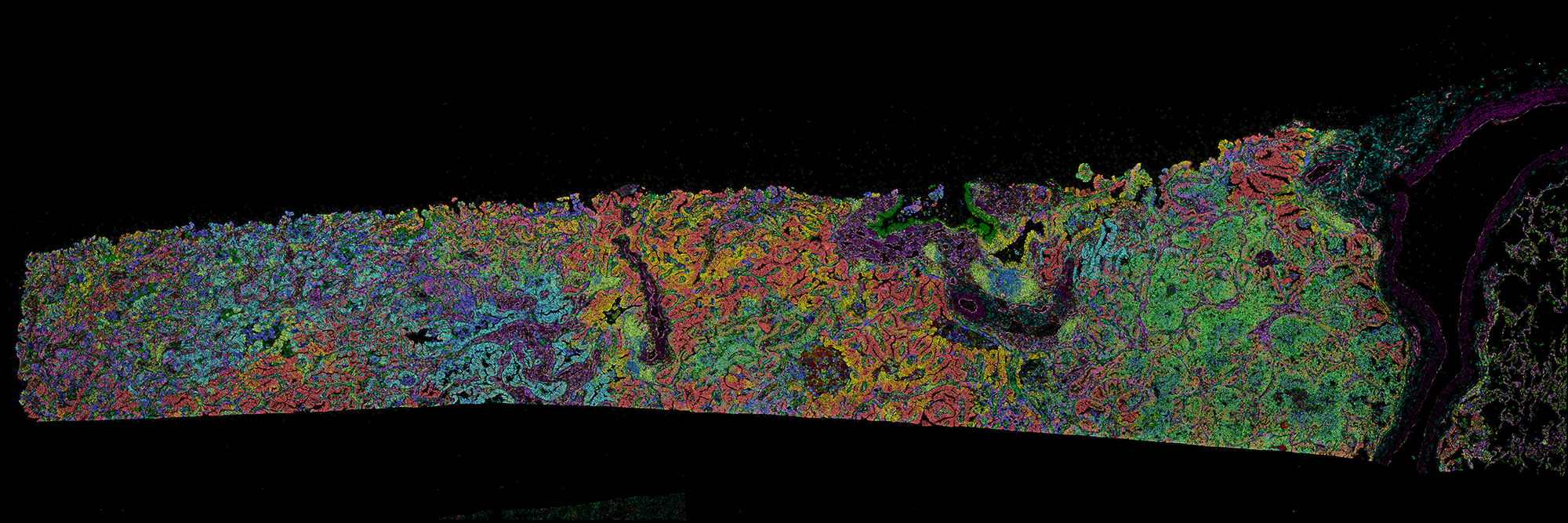
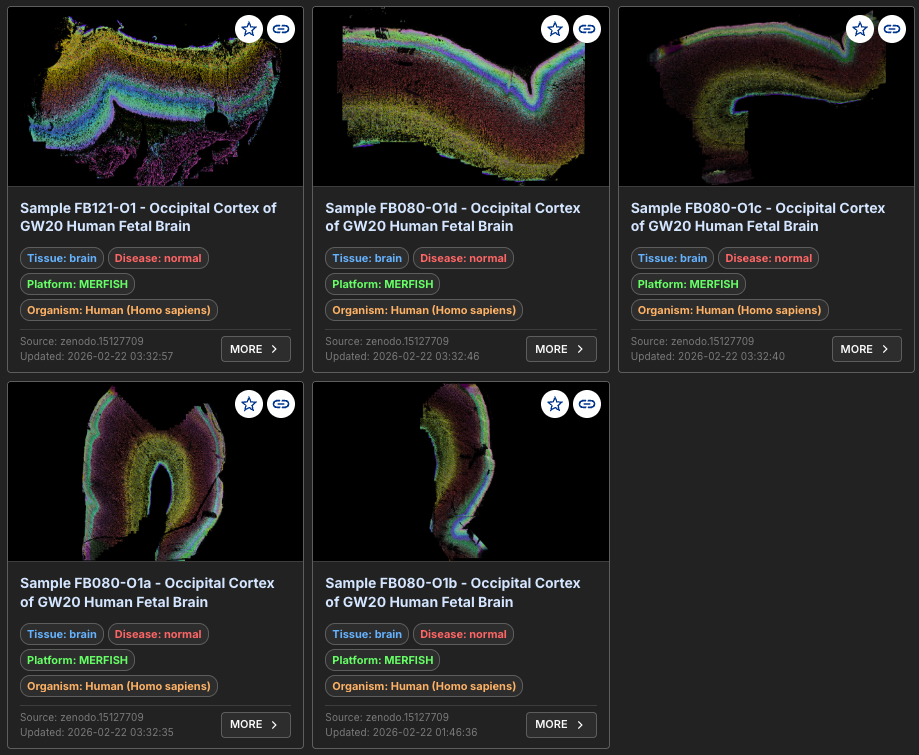
Platform Tutorials
These tutorials process a small, representative dataset from each platform. Each one starts with the single run_together command for that data, then walks through the same analysis step by step with the individual commands.
Tip
For consistency, we use mouse hippocampus when available. Each tutorial begins with data in the platform's native format.
Imaging-based Platforms
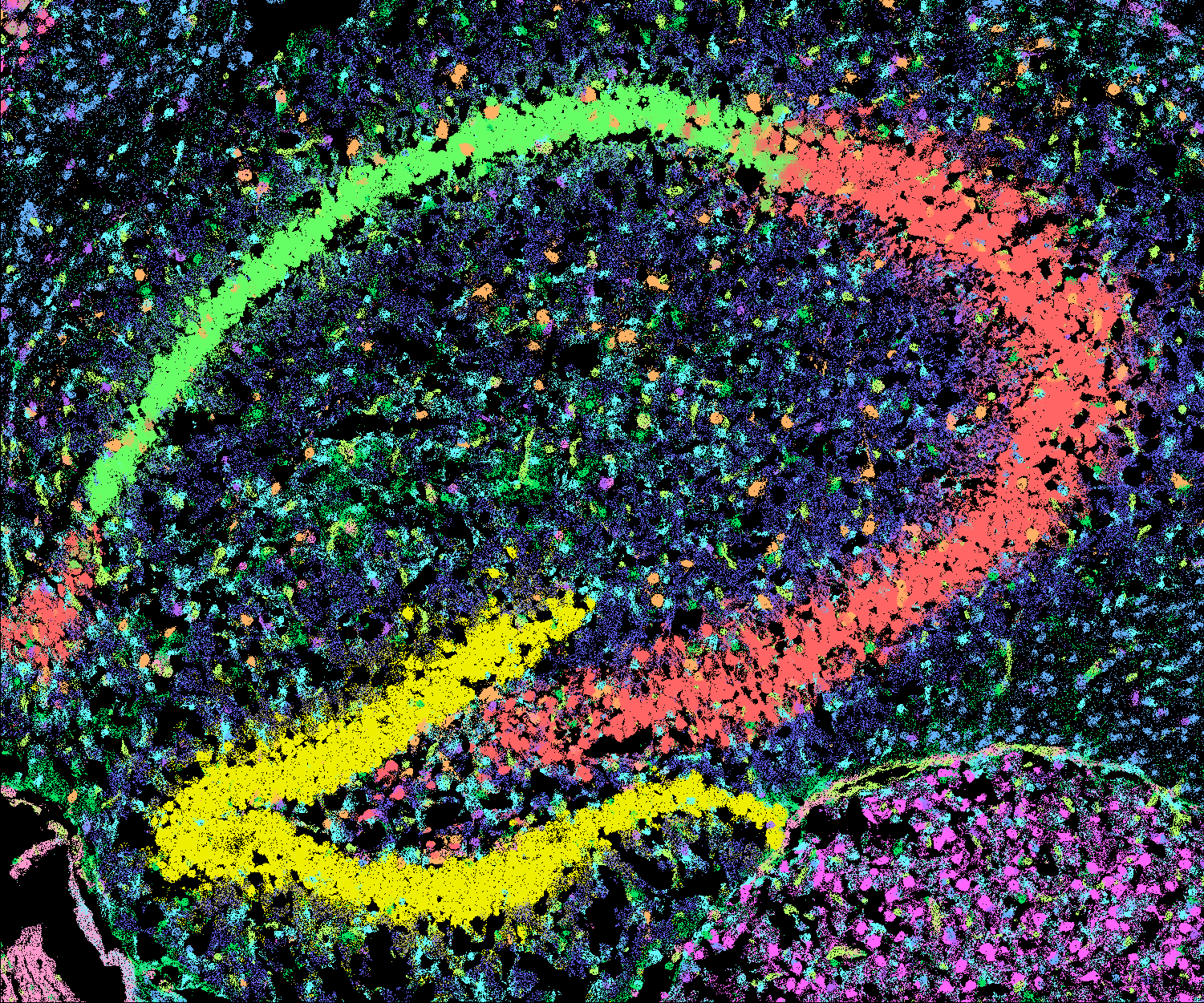
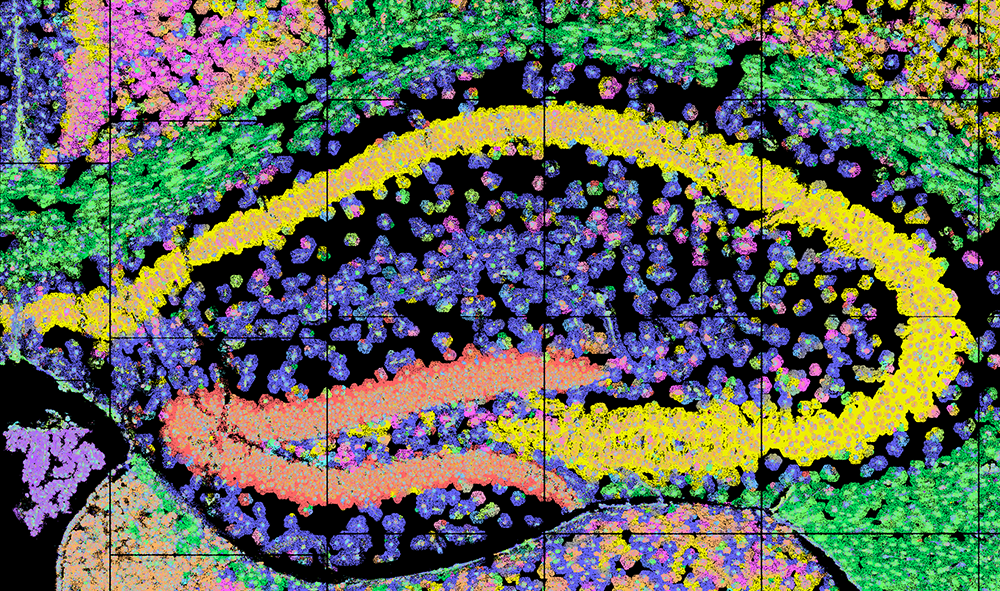
Sequencing-based Platforms
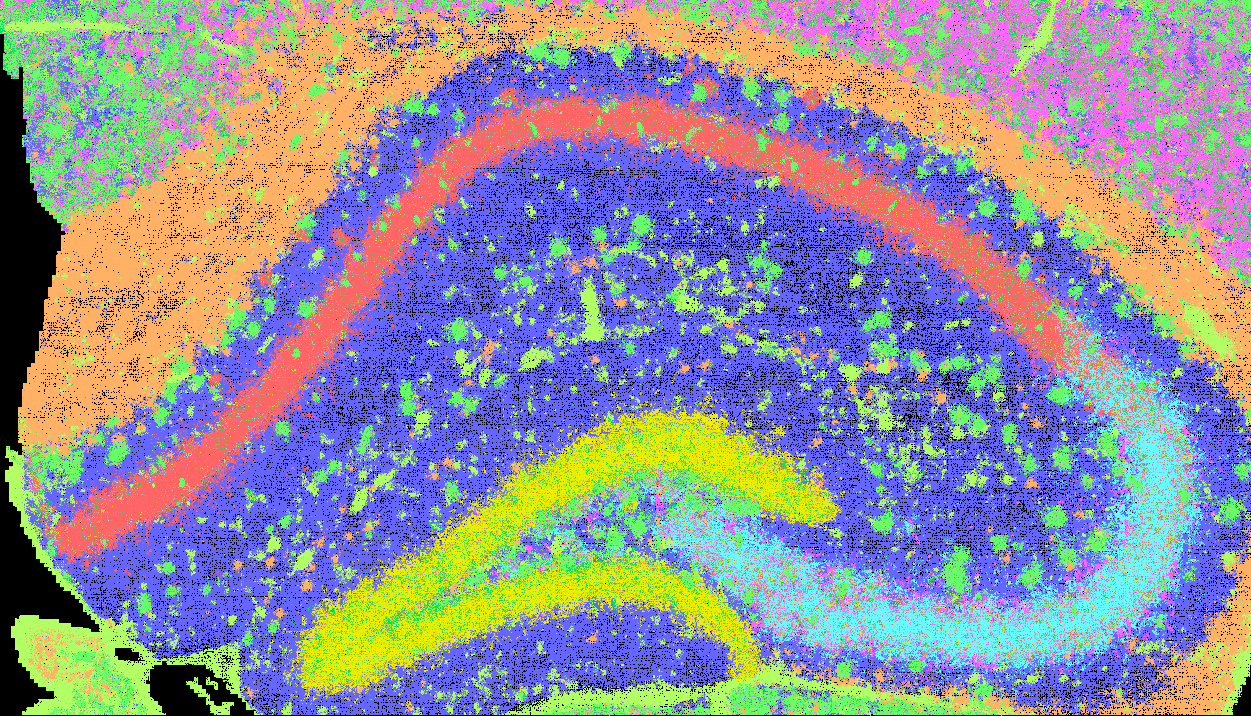


Any Other Platform
-

Generic Tutorial: any transcript table
For the exact inputs run_together expects from each platform, see Platforms.
Beyond the Guides
- Step by step: run each stage (
sge_convert,run_ficture2,run_cartload2, ...) yourself, for custom workflows. See Step-by-step. - Legacy orchestrators: the older
run_xeniumandrun_visiumhdpipelines and their end-to-end walkthroughs are kept under Legacy Orchestrators; new work should userun_together.