Bookmark Workspace
Save the entire state of your current session into a bookmark. This allows you to pause your analysis and resume later, or share your exact workspace configuration with others.
Interface
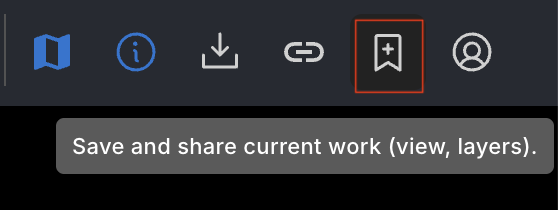
The feature is accessed via the Bookmark icon in the Top Bar.
- Icon: Represented by a bookmark symbol.
- Dialog: Clicking the icon opens a dialog where you can:
- Enter a title and description.
- Select the privacy setting (Public or Unlisted).
- Update Profile: If creating a public bookmark, you can update your Display Name and Affiliation directly from the dialog to ensure proper attribution.
- Create and copy the bookmark link.
Related Pages
Concepts
How-to Guides
FAQs