Share via Link
Easily share the dataset you are currently browsing with others by copying a direct link to the dataset source.
Limitations
The shared link points only to the dataset file. It does NOT preserve your current view state, such as:
- Zoom level or pan position
- Active layers or visibility settings
- Color adjustments
- Analysis results
For sharing the exact workspace state, use Bookmark Workspace.
Interface
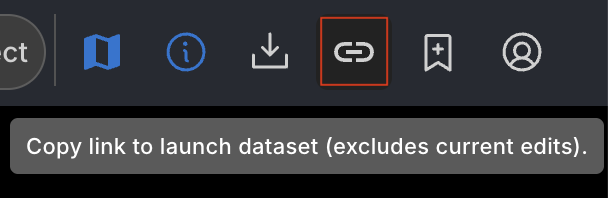
The feature is accessed via the Share Link icon located in the Top Bar.
- Icon: Represented by a link/chain symbol.
- Location: Top right section of the user interface, within the Top Bar.
Related Pages
Concepts
Manual Pages
How-to Guides