Load Your Own Data
CartoScope allows you to load and explore your own spatial transcriptomics datasets directly from an external URL (such as AWS S3, HTTP, or Zenodo) without uploading them to the public CartoStore catalog.
Interface
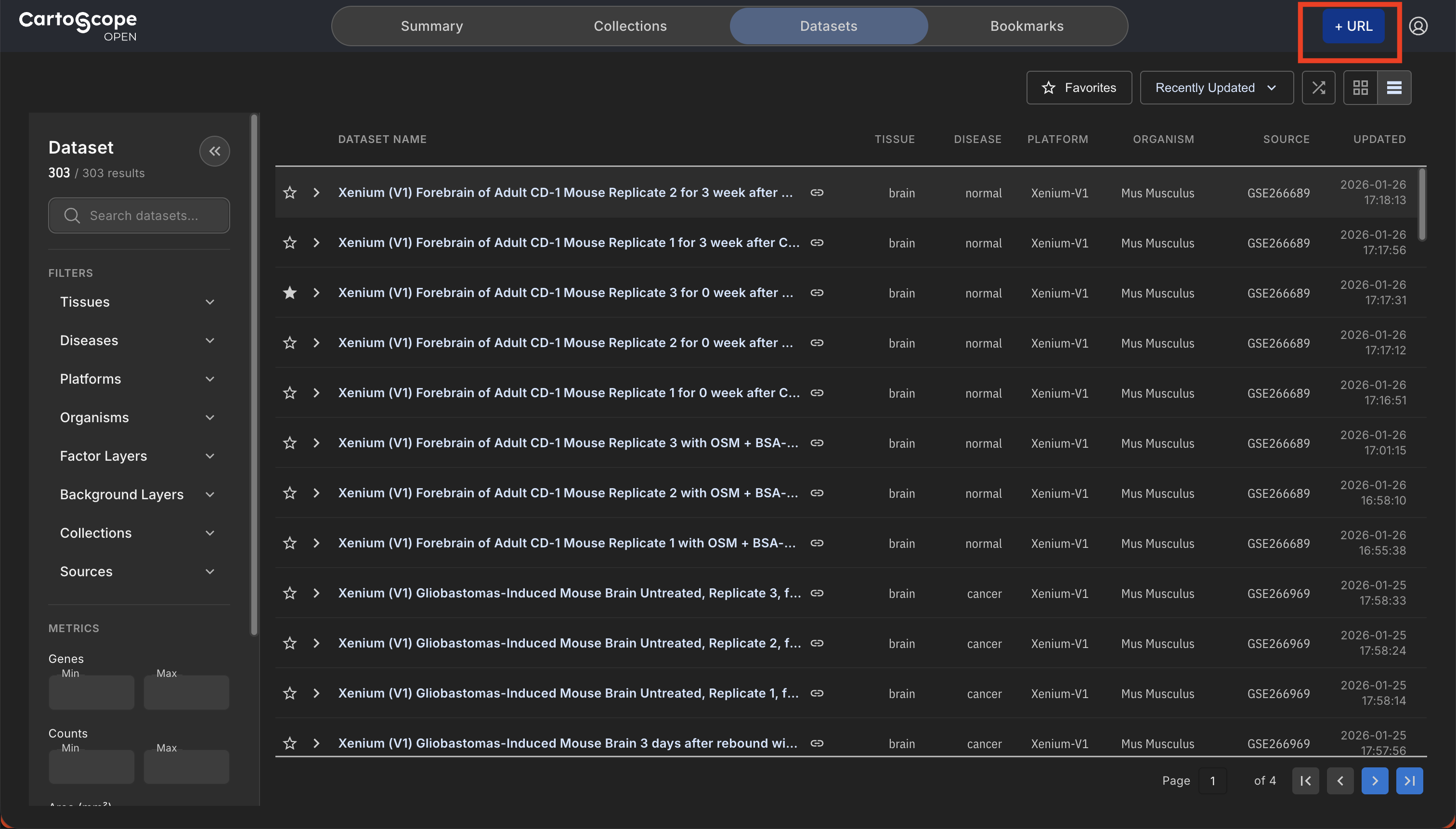
1. Start External Data Loading
Click the +URL button in the top-right header bar of the Dataset Catalog to launch the Load a Dataset by URL dialog.
2. Single Sample Loading Mode
To launch a single-sample session, select the Single Dataset tab and paste a direct URL to an individual dataset folder or its catalog.yaml file:
Single Dataset Dialog Features
- Input URL Field: Paste the
catalog.yamlURL of your dataset, or its folder URL and let CartoScope automatically detectcatalog.yaml. - Preview Checkbox: Check Preview before loading to open the Preview Datasets & Sessions dialog and inspect metadata, organism, tissue, and available layer definitions.
- Supported Schemes: AWS S3 (
s3://...), HTTP/HTTPS (http://...), and Zenodo (https://zenodo.org/...).
3. Multi-Sample Loading Mode
To launch a multi-sample session, select the Multiple Datasets tab and paste a URL to a multi-sample experiment folder or a multi-catalog.yaml file:
Multiple Datasets Dialog Features
- Input URL Field: Paste your multi-sample study folder URL or direct
multi-catalog.yamlURL (CartoScope automatically detectsmulti-catalog.yamlinside folder paths). - Automatic Parsing: CartoScope parses all participating sample catalog URLs (
samples), session title, and shared spatial factor models (factors) defined inmulti-catalog.yaml. - Multi-Sample Setup Launcher: Upon loading, opens the Preview Datasets & Sessions dialog to configure grid layout dimensions (N × M), review sample slots, and launch the multi-sample map workspace.
- Supported Schemes: AWS S3 (
s3://...) and HTTP/HTTPS (http://...).
4. Load & Validation Workflow
Click Load to proceed.
Load Workflow Steps
- URL Connectivity Check: CartoScope verifies HTTP/S3 network connectivity and CORS access headers.
- Schema Parsing: Validates required
id,name,tiles,countsUrl, and layer parameters incatalog.yamlormulti-catalog.yaml. - Session Initialization: Launches either the single dataset map canvas or opens the Preview Datasets & Sessions dialog for multi-tile navigation.
Related Pages
Concepts
Manual Pages
How-to Guides
- How to Prepare Your Own Data for CartoScope?
- How to Host Data in AWS
- How to Host Data in Zenodo
- How to Load External Data
FAQs